The Claude Quota Balancing Act
Claude 4.5 is complete: how to split Opus, Sonnet, and Haiku across a Claude Code session so you get the most from the 5-hour quota.
Published 2025-12-05
Loading content...

Claude 4.5 is complete: how to split Opus, Sonnet, and Haiku across a Claude Code session so you get the most from the 5-hour quota.
I stretch Claude Code's 5-hour window by treating Opus, Sonnet, and Haiku like teammates, not one model for everything. Opus for the plan, Sonnet for the build, Haiku for the typo you noticed at 4pm.
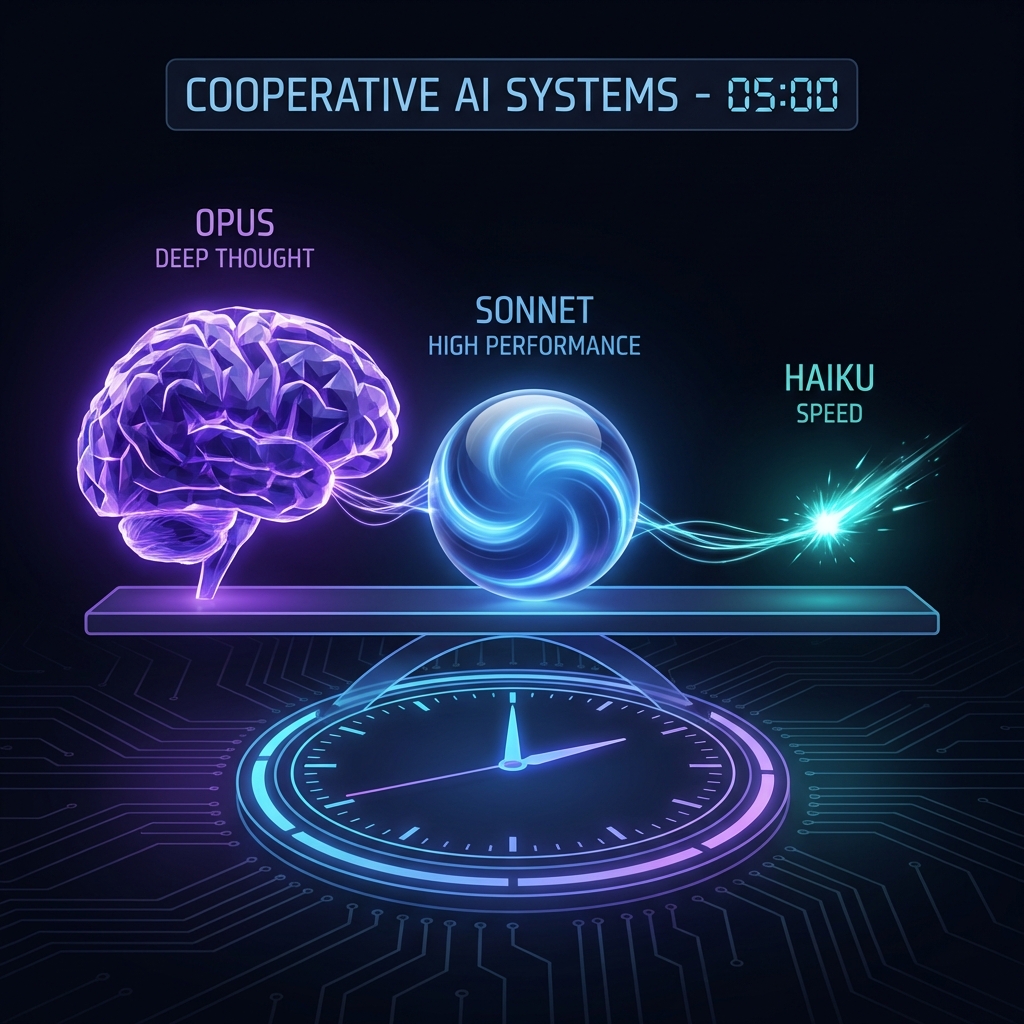
Anthropic shipped Claude 4.5 Haiku on October 15, which was the last missing piece of the 4.5 lineup. If you live in Claude Code, the constraint that actually bites is the 5-hour message window, not the per-token bill. Hit the cap and you're back to typing yourself until the clock resets.
I budget the window by using Sonnet for most of the day, saving Opus for harder work and Haiku for cheap tasks.
| Model | I reach for it when… | Quota |
|---|---|---|
| Opus 4.5 | I'm lost in a repo, planning a nasty refactor, or hunting a bug that spans services | Heavy |
| Sonnet 4.5 | Normal feature work, tests, most edits | Moderate (my default) |
| Haiku 4.5 | README typos, regex, one-liners, "fix this lint" | Light |
My best sessions start with Opus 4.5 in Ask mode. I don't let it touch files until I understand the shape of the change. I'll ask it to trace how checkout talks to Stripe, or to list what would break if we rename this type. Opus 4.5 catches drift and weird coupling that Sonnet glosses over on a cold read.
When I have a plan I trust (often a numbered list in the thread), I switch to Sonnet 4.5 for implementation. Planning on Opus and building on Sonnet costs less quota than letting Opus write every file.
Last week I fixed a CSS variable, updated a comment, and regenerated a small fixture. Each took under a minute of my attention. Sonnet would have been fine. Opus would have been silly. Haiku 4.5 is fast enough that I don't hesitate, and it barely moves the quota meter.
My rule of thumb: if I'd be embarrassed to interrupt a colleague for it, it's Haiku.
The 5-hour window resets from your first message in that stretch, not from midnight. I front-load Opus when the window opens (direction-setting while I'm fresh), run Sonnet through the middle of the session, and save Haiku for cleanup when I'm tired and the meter is low.
A few other things that actually helped me, mostly from the #claude_code_advent_calendar:
& to push work to Claude Code on the Web and keep going locally.ultrathink. Keywords like "think hard" stopped working in v2.0.0.Quota management sounds fussy until you've burned an hour of Opus on a README. After that, picking the model on purpose is just part of the job.