A Browser I Made for Myself
The world did not need another browser, so I built one that does less. It's small, it's keyboard-driven, and it's free.
Published 2026-07-15
Loading content...

The world did not need another browser, so I built one that does less. It's small, it's keyboard-driven, and it's free.
A note from Browser 2: This is the original launch story, preserved as it was written. The browser has grown a local, permission-gated agent and much deeper developer tooling since then. The current download page has the new screenshots, details, and privacy story.
The world did not need another browser. I built one anyway. It is my browser, it runs on macOS, and the download is smaller than most email attachments.
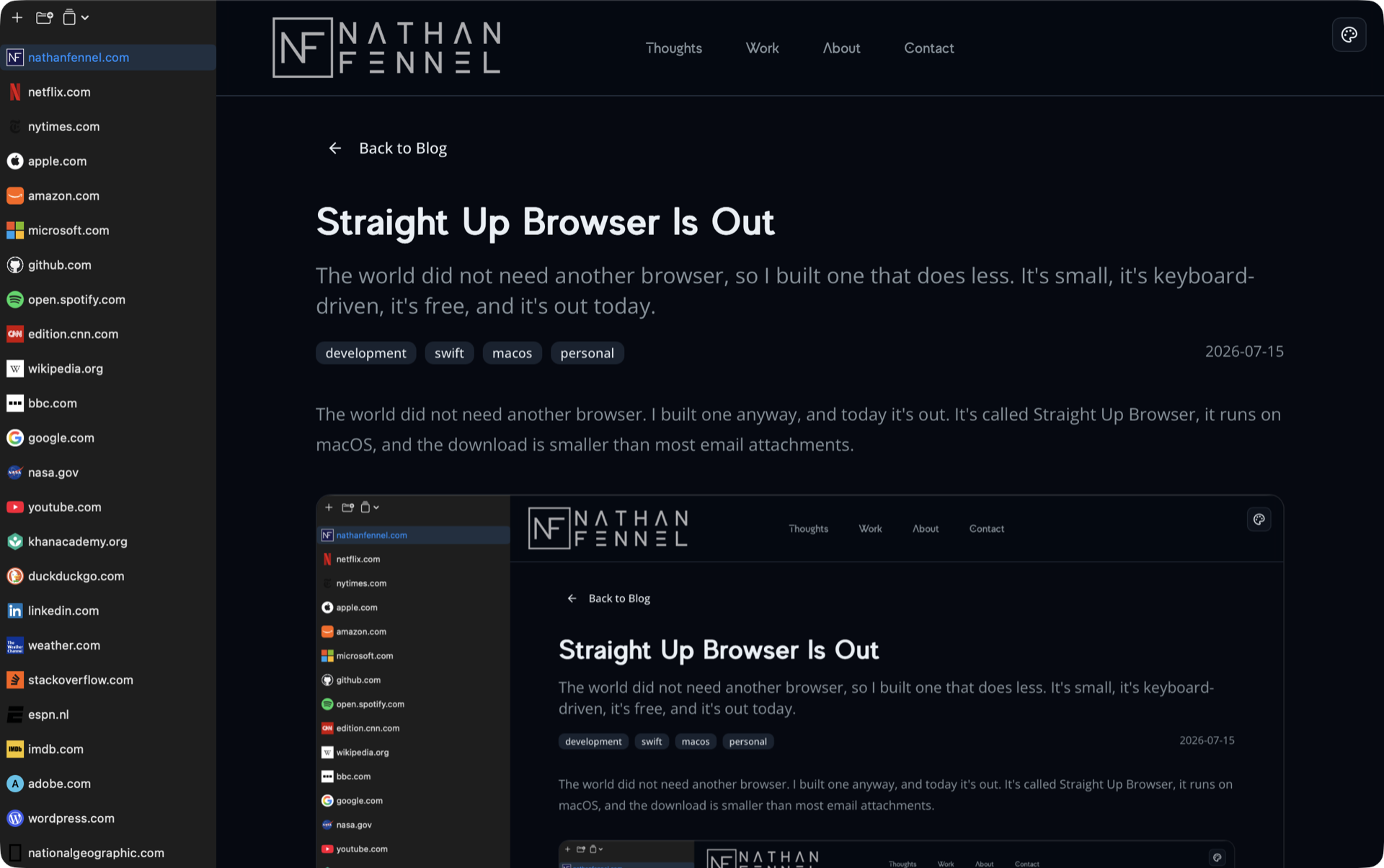
Every browser I've used lately wants to be a platform. Sync this, sign in to that, here's a sidebar of AI features, here's your shopping assistant. I want my browser to be a window: type an address, see the page, get out of the way.
So in January I started building one for myself. The name tells you the design philosophy: it's straight up a browser, nothing bolted on. On your Mac it installs as Browser.app, because once it's on your machine, that's all it is.
The reason the UI can be this simple is that you're not supposed to touch it. The browser is keyboard driven from end to end, and the goal is to never need your mouse.
Hit ⌃Space or ⌘K, type a URL or a search or the name of a tab you already have open, hit return. That's the center of the app. There's a system-wide hotkey (⌥Space) that summons the same bar over whatever app you're in, so "look something up" no longer means "find the browser first." Every tab, page, and navigation action has a key command, and ⇧⌘H pops a cheat sheet of all of them when you forget one.
A few other things made the cut:
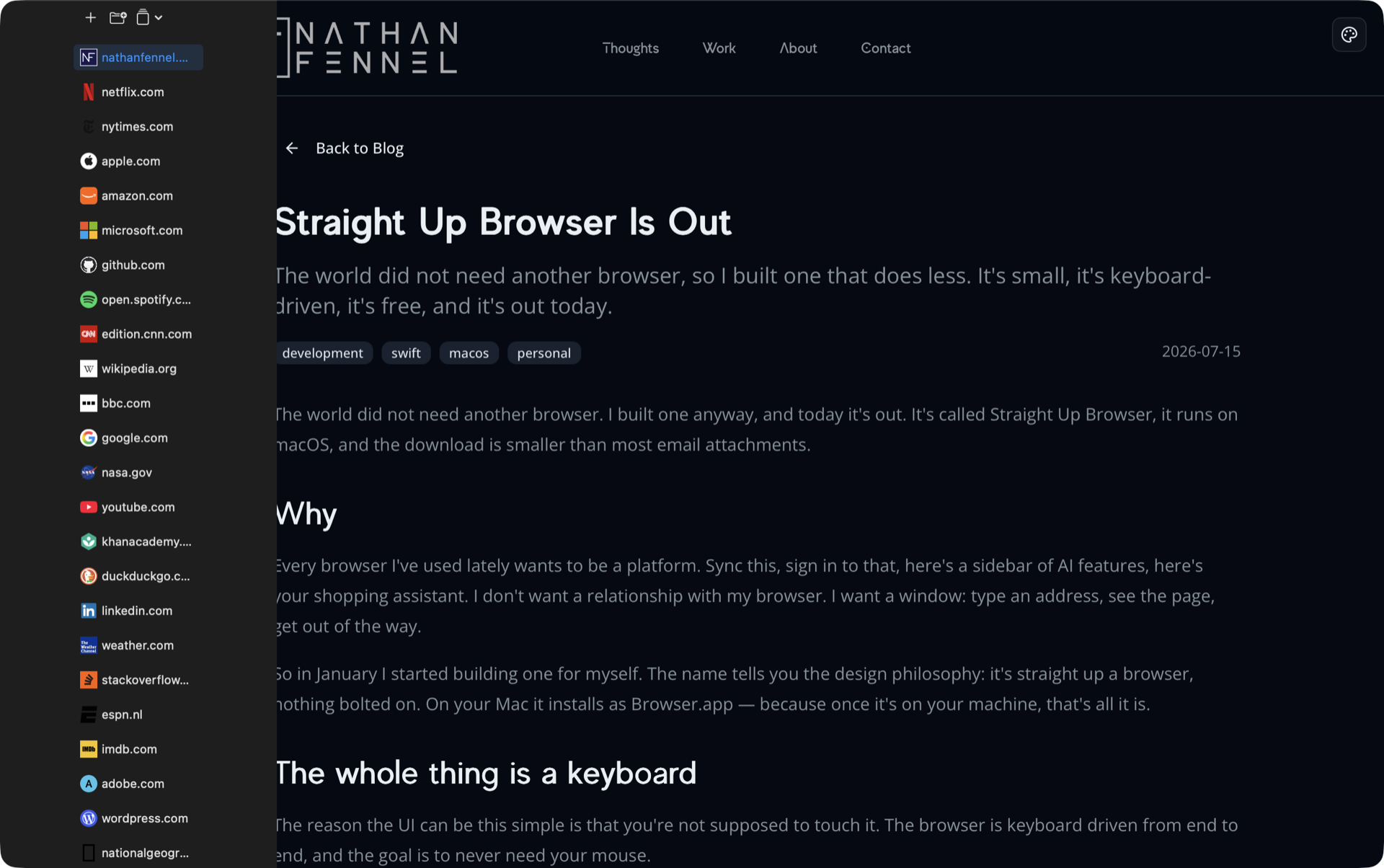
Here's what all of that looks like: the tab-bar sizes, the omnibar, and the shortcut cheat sheet. Flip through:
I did not write a browser engine. Nobody sane writes a browser engine. Pages render in a WKWebView, which is WebKit, the same engine Safari uses, so they look exactly the way your Mac expects. The browser around it is a native Swift and SwiftUI app. What I wrote is everything between that engine and the window, and I kept cutting until only the parts I use survived.
The CLI is not only for my scripts. It was built so an AI agent could use the browser the same way I do, and the whole interface is one command away: browser-cli docs prints the full agent guide, schemas and patterns included.
The loop is small. Open a page, wait for it to load, snapshot it to get the title, the text, and a CSS selector for everything clickable, then click or type or run JavaScript and snapshot again to see what changed. Snapshot is the part I like most. An agent reads a compact outline of the page instead of a megabyte of raw HTML.
When it hits something only a person can do, a captcha or a login, it calls notify. The Dock bounces, the window comes forward, and the message is sitting there waiting for me. I solve it, the agent picks up where it stopped. That handoff is the reason this is a real browser with a real window instead of a headless one.
There is no plugin to install and no integration to configure. Any coding agent that can run a shell command already has a browser. Claude Code needs one nudge to know it exists: run browser-cli install-skill and it starts reaching for the browser on its own.
If you'd rather not explain any of that, here's a prompt you can paste into your agent of choice:
You have access to my browser through a command-line tool called browser-cli. First run browser-cli docs to read the full guide — it lists every command, the JSON schemas, and the usual patterns.
The loop is: open a URL, wait for it to load, then run browser-cli snapshot to get the page's title, its text, and a CSS selector for everything clickable. Click, type, or run JavaScript, then snapshot again to see what changed.
If you hit something only I can do — a captcha or a login — run browser-cli notify with a short message and stop. I'll take over in the browser window, then you pick up where you left off.
Use the real browser window on this machine. Don't reach for anything headless.
The catch is that this only works for agents living on your machine. Anything running in someone else's cloud cannot touch a browser window on your desk, and I think that's the right trade. The window is the feature.
My favorite week of the project was deleting settings. At one point the settings window had controls that looked useful but weren't wired to anything real, the kind of toggle every app accumulates. I went through and either connected each one to actual behavior or deleted it. If a switch exists in my browser, flipping it does something. That felt better than any feature.
I run with every one of them turned on, because I use all of them. They stayed checkboxes so you can cut more than I did.
I built a lot of this with Claude Code, which will surprise nobody who reads this blog. The commit history is me and an agent arguing about what deserves to exist. Most of the time the answer was "less."
It's free. It's signed and notarized. There's no account, no analytics, and nothing phones home. The license agreement is six short sections you can read in a minute, which might be its most unusual feature.
The download is here, for macOS 15.6 and up. If something breaks, tell me. This is a first version from one person, so something will.