First run
The window with nothing on it
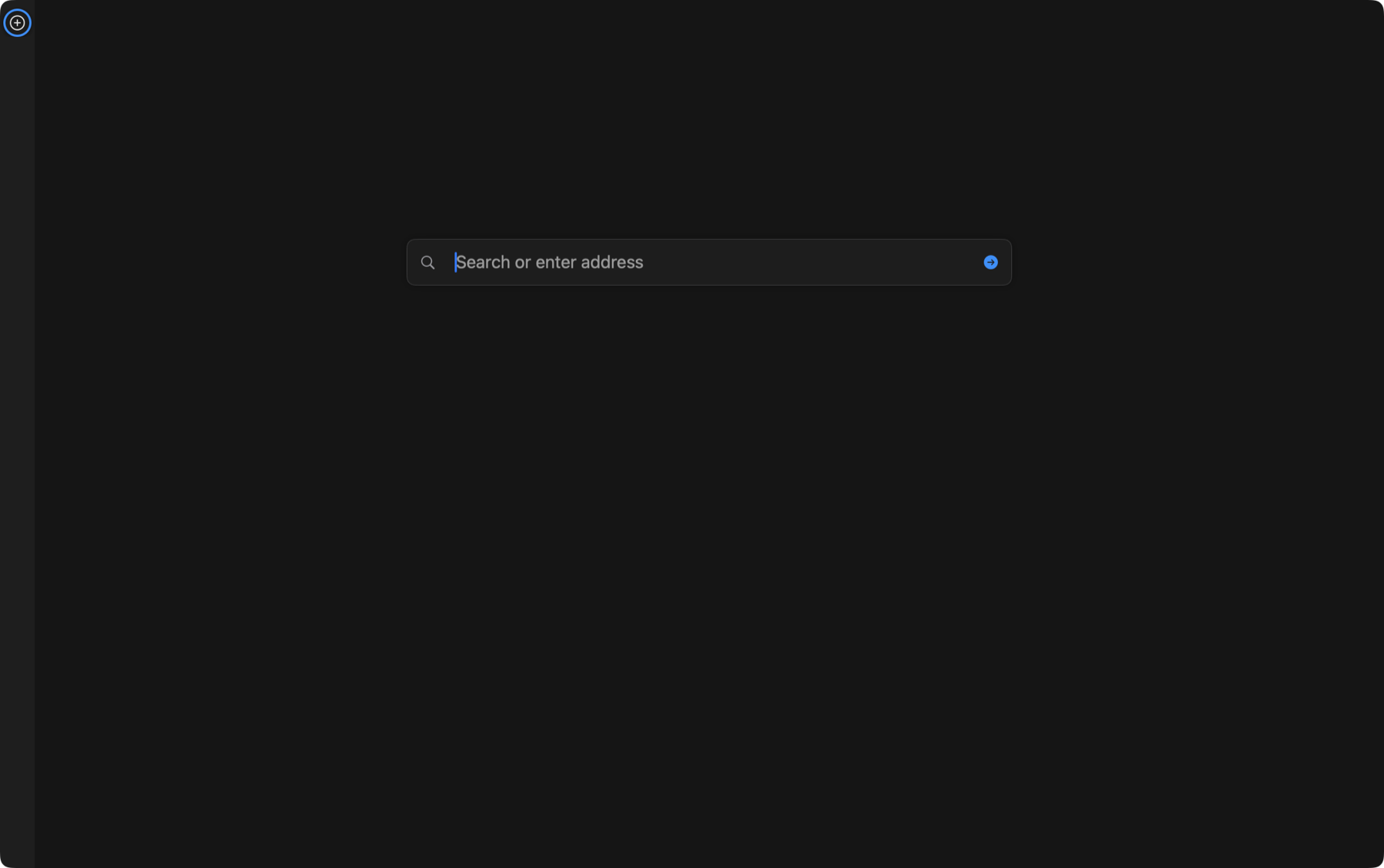
Open Browser for the first time and the first thing you notice is what is missing. No title bar, no traffic lights, no toolbar, no top tab strip. The page fills the window and the tabs live in a thin strip down the side.
Everything below takes about six minutes and gives you a working window to film against.
Things to try
about 6 minutesWorth filming
The cold open writes itself: a page with no browser around it, then ⇧⌘H to show that all the chrome moved to the keyboard.
Settings panes behind this chapter: General, Appearance, Shortcuts.