
Tabs and the sidebar
Four sidebar widths, cards that show the page, and a peek that does not switch
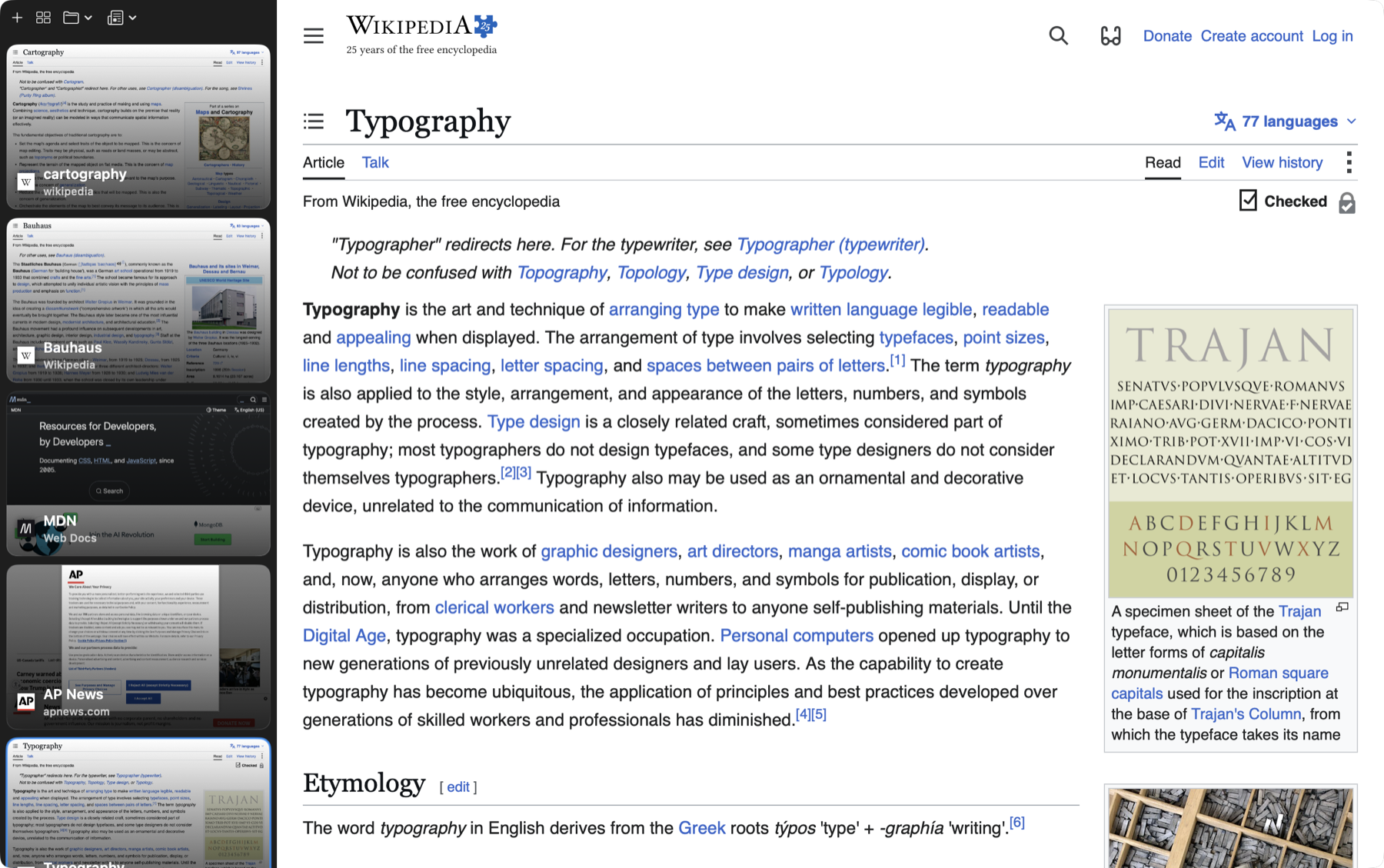
Tabs run down the side, not across the top. The sidebar has four widths and the widest ones show preview cards of the actual pages, because at twenty tabs the title is not what tells them apart.
Things to try
about 9 minutesWorth filming
Control-hover the tab peek. It is the feature nobody expects and it explains itself in two seconds of video.
Settings panes behind this chapter: Appearance, Memory, Shortcuts.